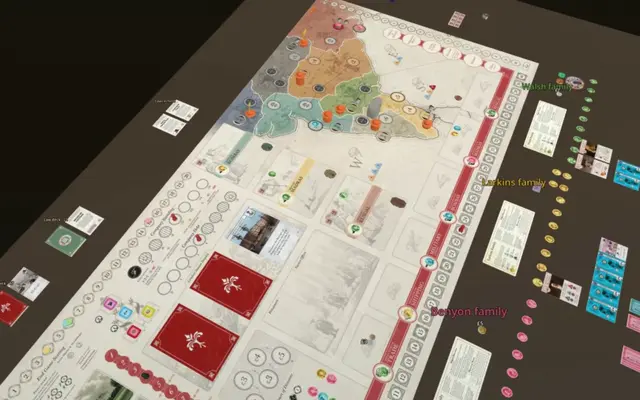
This detailed game table is best on a larger screen. On a tablet, use landscape mode or open the tutorial in a new tab.
How to use the table +
Use A− / A+ to change the size of text and controls. Open Text panel to adjust Width and Height, or choose Reset to restore the defaults. Your preferences are remembered for each game.
Next (→ or Enter) advances one step; Previous (←), the phase and step menus and the timeline restore saved positions. Each step plays its movement once and rests on the result: Space plays or pauses, S shows the result, R replays and L loops. Left-drag to pan, right-drag to orbit and scroll to zoom. Refocus step frames the current action; Whole table shows everything. Hover highlighted words, cards or changed pieces for an explanation, click to pin, and use the searchable Glossary, Cards, Components, Guide, Strategy and Sources. Choose a family perspective to follow its priorities. Escape closes references.
Keys: → or Enter for Next, ← for Previous, Space to play or pause, S to show the result, R to replay, L to loop, and Esc to close a popup.
These are guided playthroughs with authored moves and outcomes. Use the checkpoints to explore how the game develops.
If the table does not appear, try opening it in a new tab. A WebGL-capable browser is required.